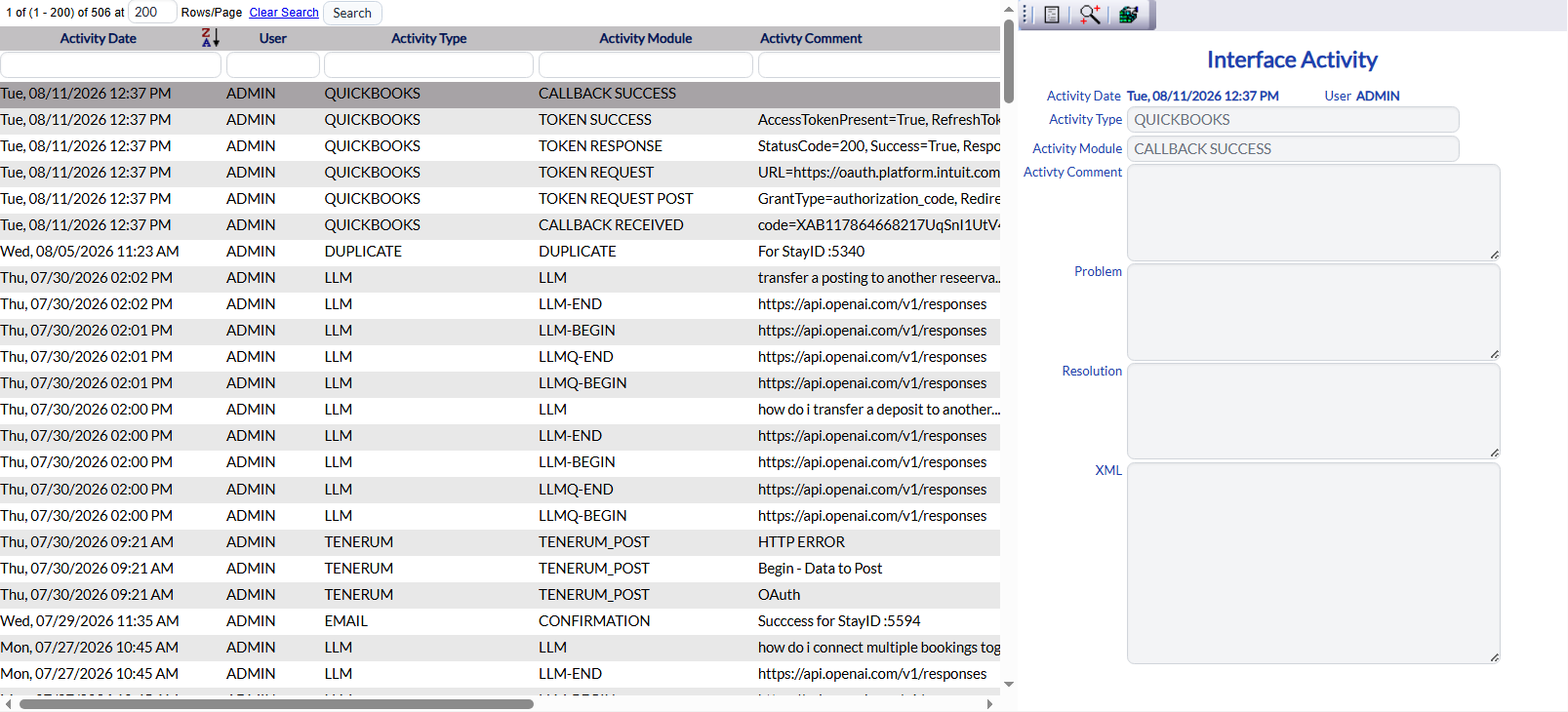
View/Adjust Interface channels:
Open the Interfaces screen:
Click the icon on the left for the Full Menu.
 OR
OR 
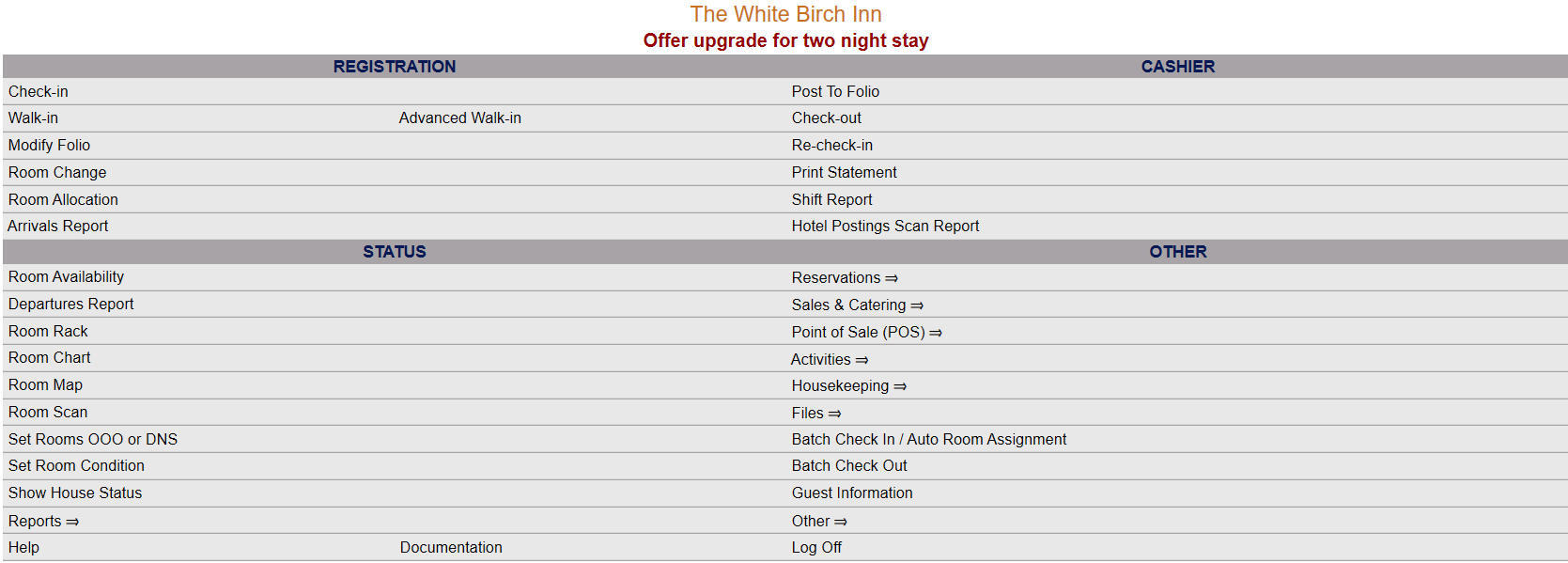
This will display the Full menu in a tabular form, with four sections, Registration, Status, Cashier and Other.
 OR
OR 
Select Other from the Other section.
 OR
OR 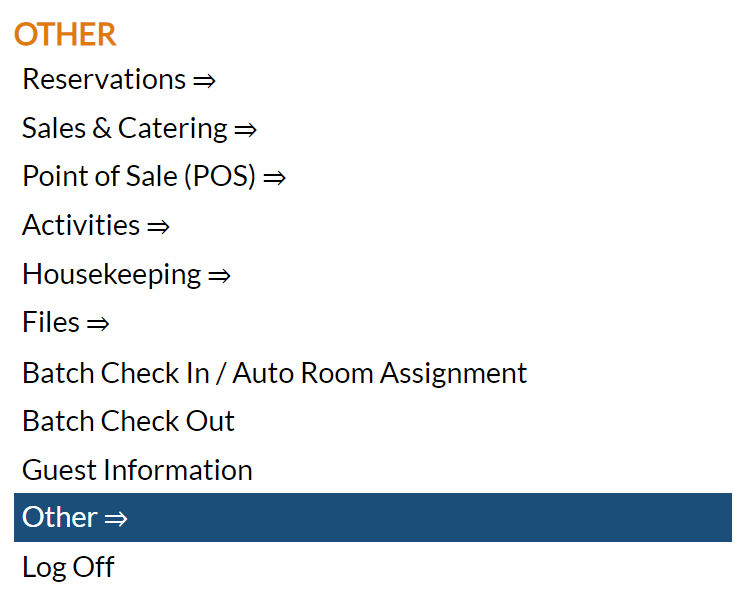
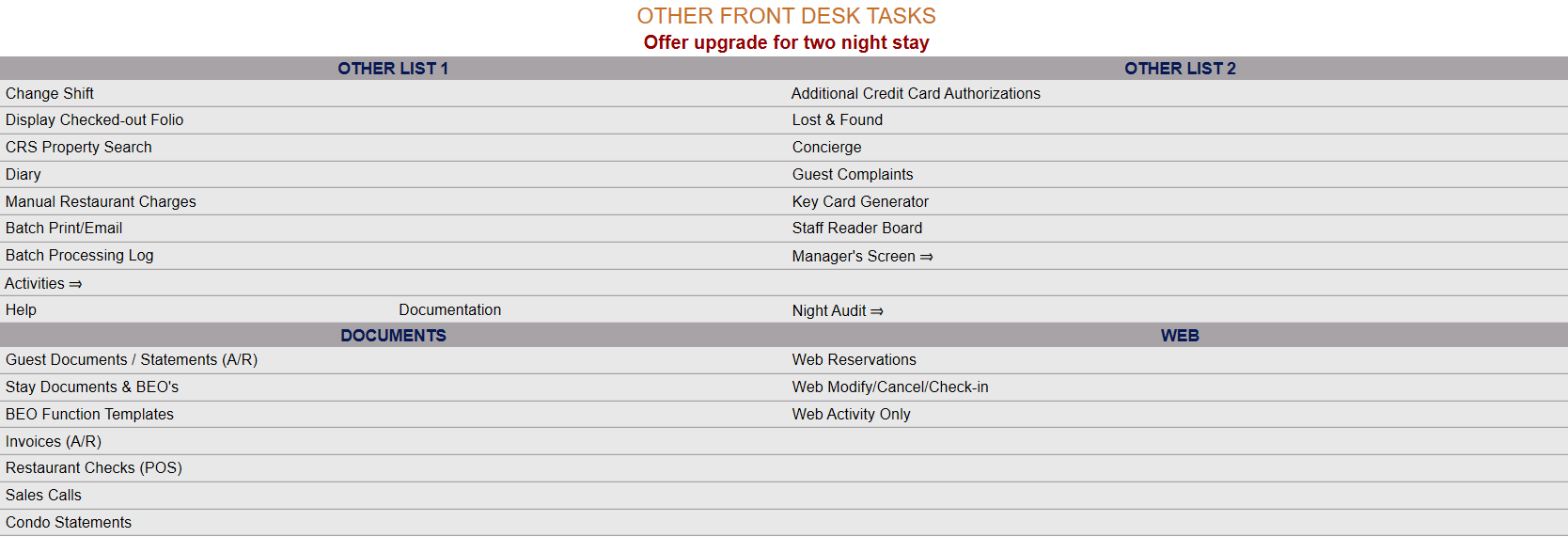
This will take you to the Other Front Desk Tasks Menu, which has four sections, Other List 1, Other List 2, Documents and Web.
 OR
OR 
Select Manager's Screen to be taken to the Manager's Commands Menu screen.
 OR
OR 
OR:
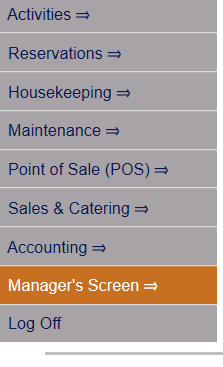
Select Manager's Screen from the Quick Menu on the left side of the screen, to be taken to the Manager's Command screen.
 OR
OR 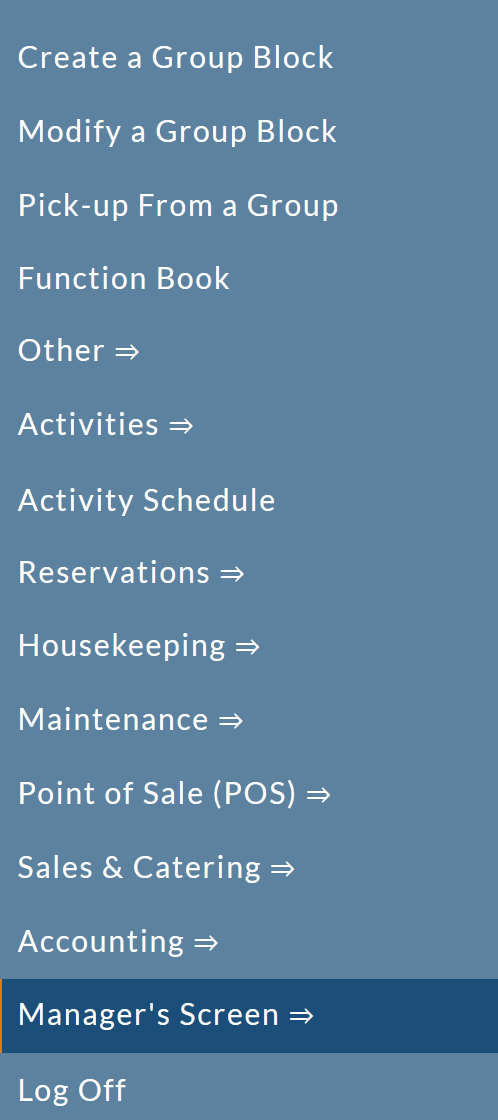
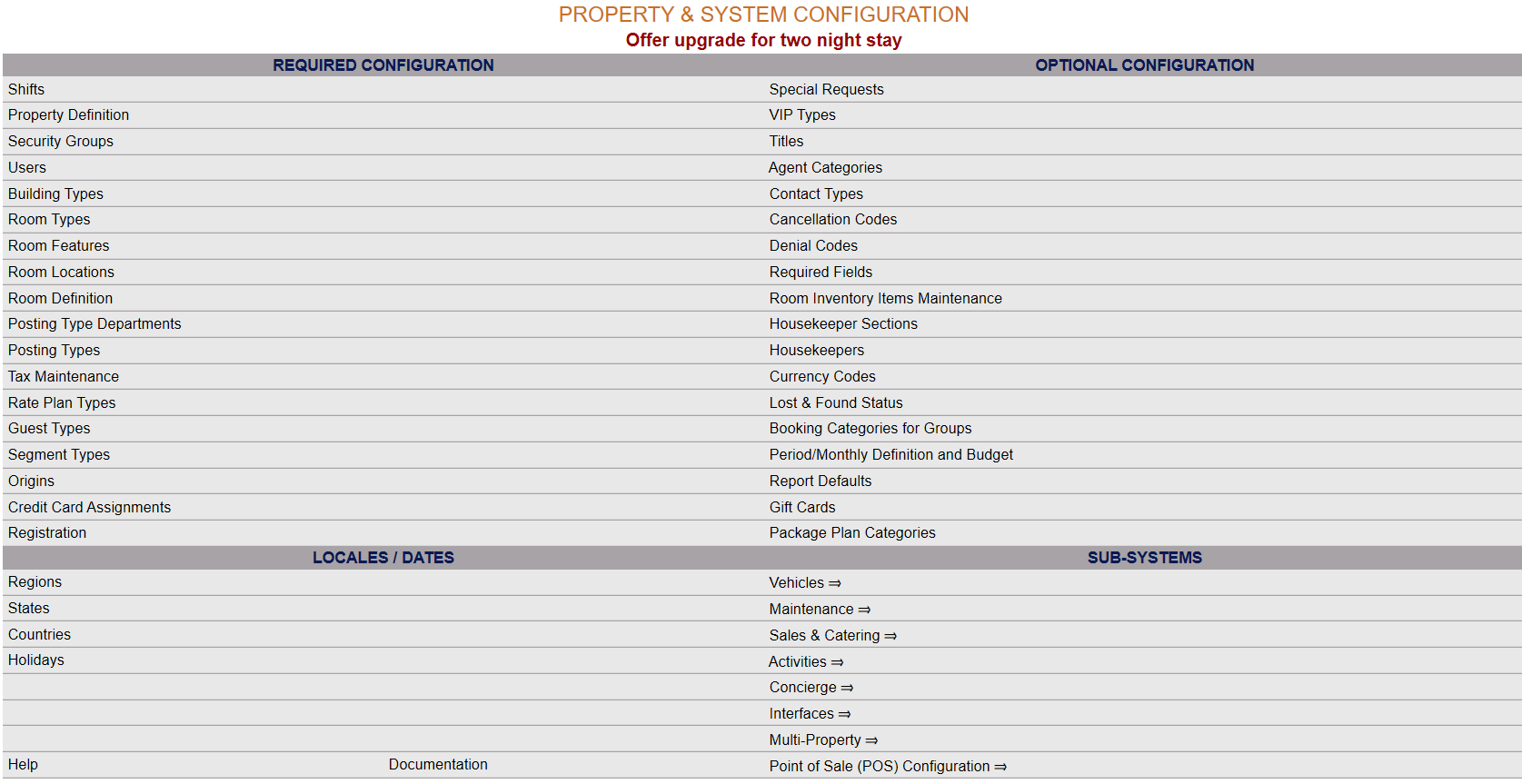
The Manager's Command screen menu has two sections, Manager's Configuration and Manager's Maintenance. Select Configuration => from the Managers Configuration section to be taken to the Property and System Configuration screen. The list of property configuration options are divided into four sections, which are Required Configuration, Optional Configuration, Locales/Dates and Sub-Systems.
 OR
OR 
(Alternately, you may also be able to select Configuration => directly from the Quick Menu, if the menu has been set up to include the Configuration option).
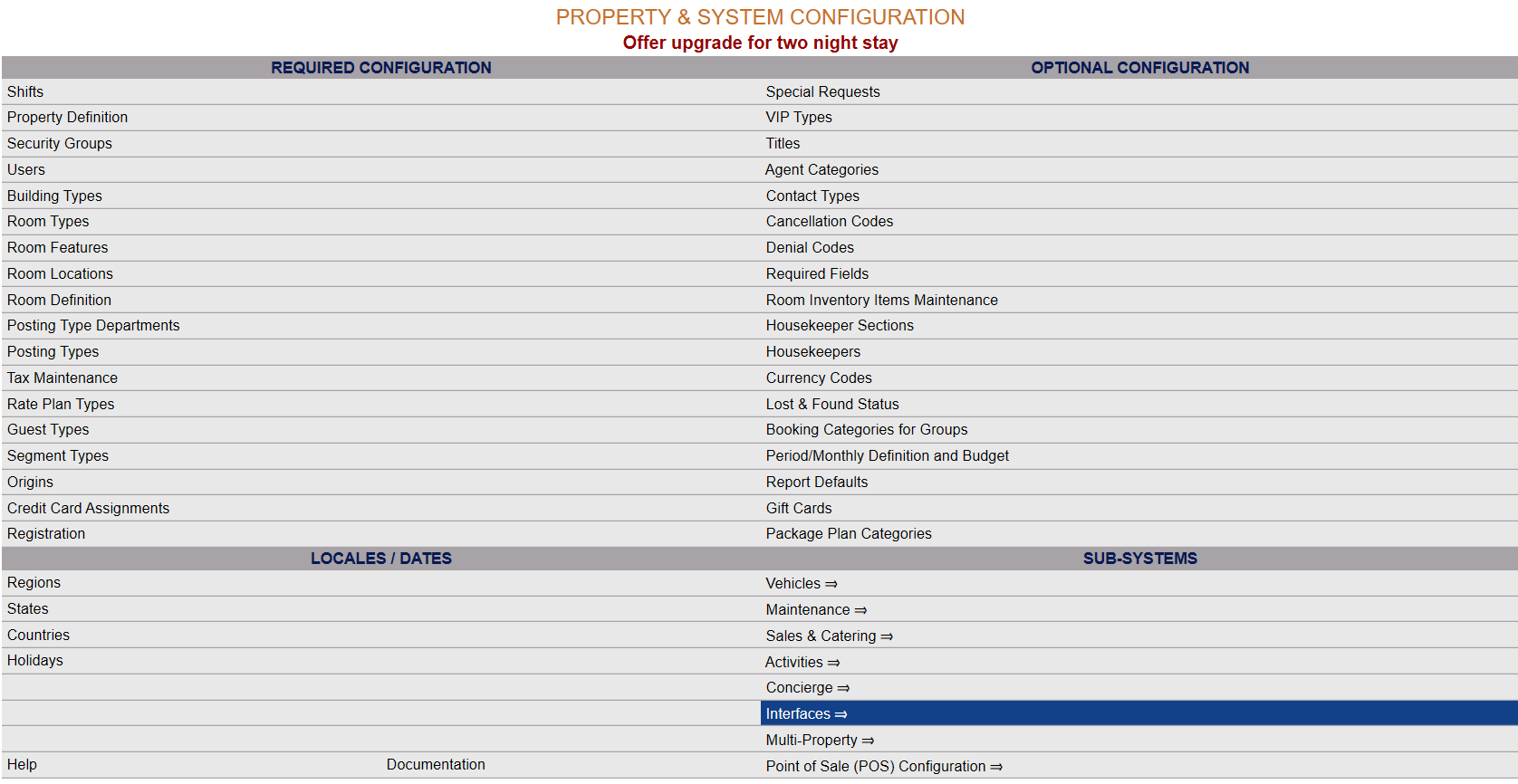
Select Interfaces => from the Sub-Systems area of the screen.
 OR
OR 
This will take you to the Interfaces Maintenance Menu screen.
 OR
OR 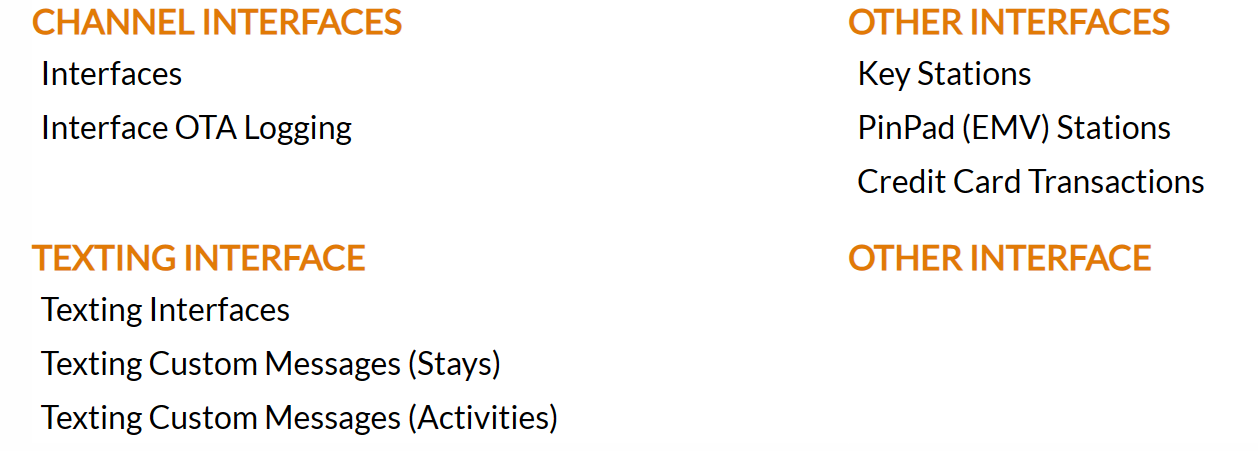
The Interface Maintenance area commands are divided into four sections: Channel Interfaces, Texting Interface, Other Interfaces and Other Interface.
Select Interfaces from the Channel Interfaces section.
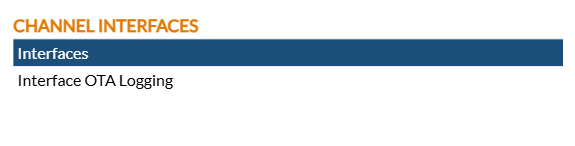
When selected, the Interfaces screen will open.
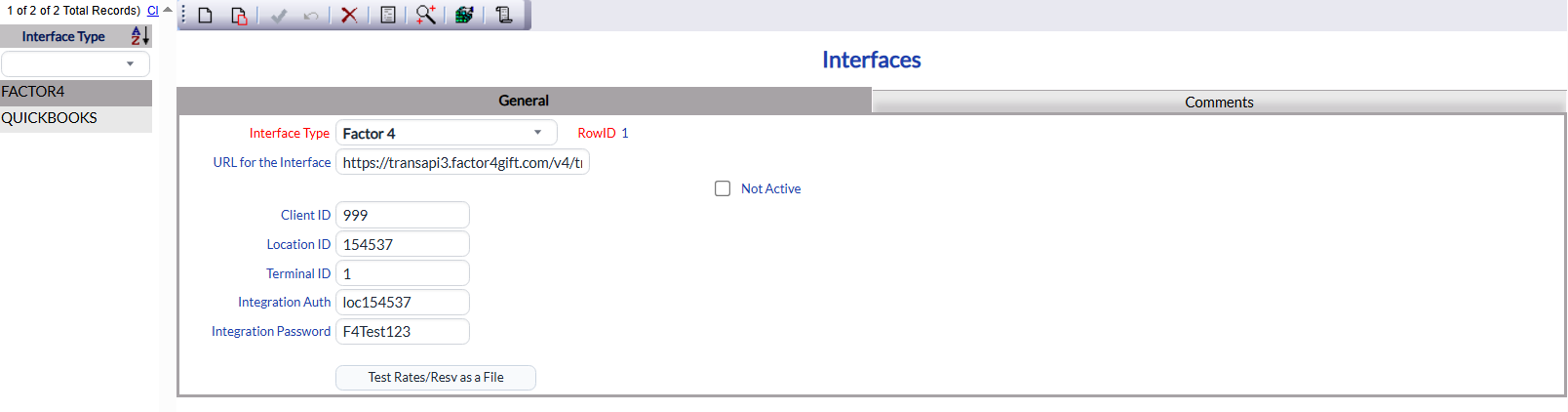
The Interfaces screen display is split into two frames, with the left side of the screen listing the interfaces already enabled at the Property, and the right side containing the fields you need to complete in order to add or edit an interface for the property.
Note: The fields shown on the right will differ for each type of interface available from the drop-down list of options in the Interface Type field.
Your options include the following:
Generate a new entry:
Generate a new record by clicking the New  button from the local tool bar.
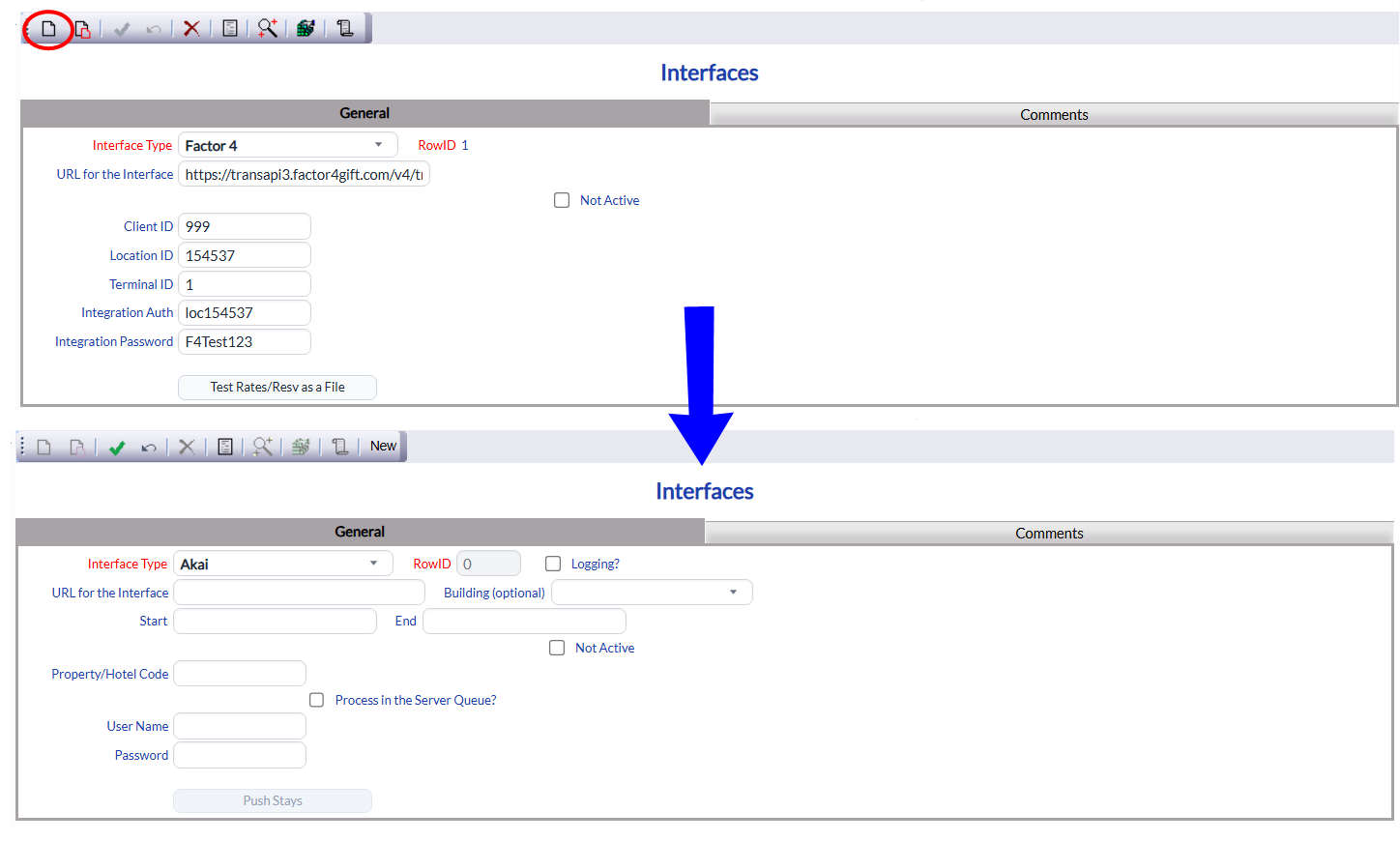
Note: If no interfaces are currently associated with your Property, a pop up message telling you that there are no records to display will first appear when you click the Interfaces command in the menu.
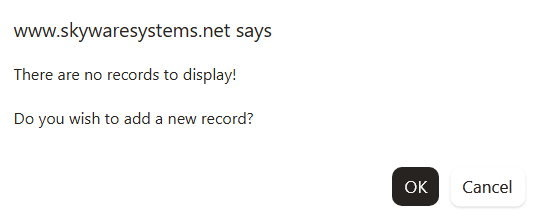
Click "OK" to continue to the screen, where it will already be ready to generate a new record.
OR:
Select an existing Interface from the list on the left, and click the Replicate  button from the toolbar. Then change the field information.
View/Edit the current selection:
View and change the field information if necessary.
Interface Type: This is a drop-down list of available Interface Types to select from. All interfaces that Skyware can generate a channel with are listed here. Select one.
This field is required
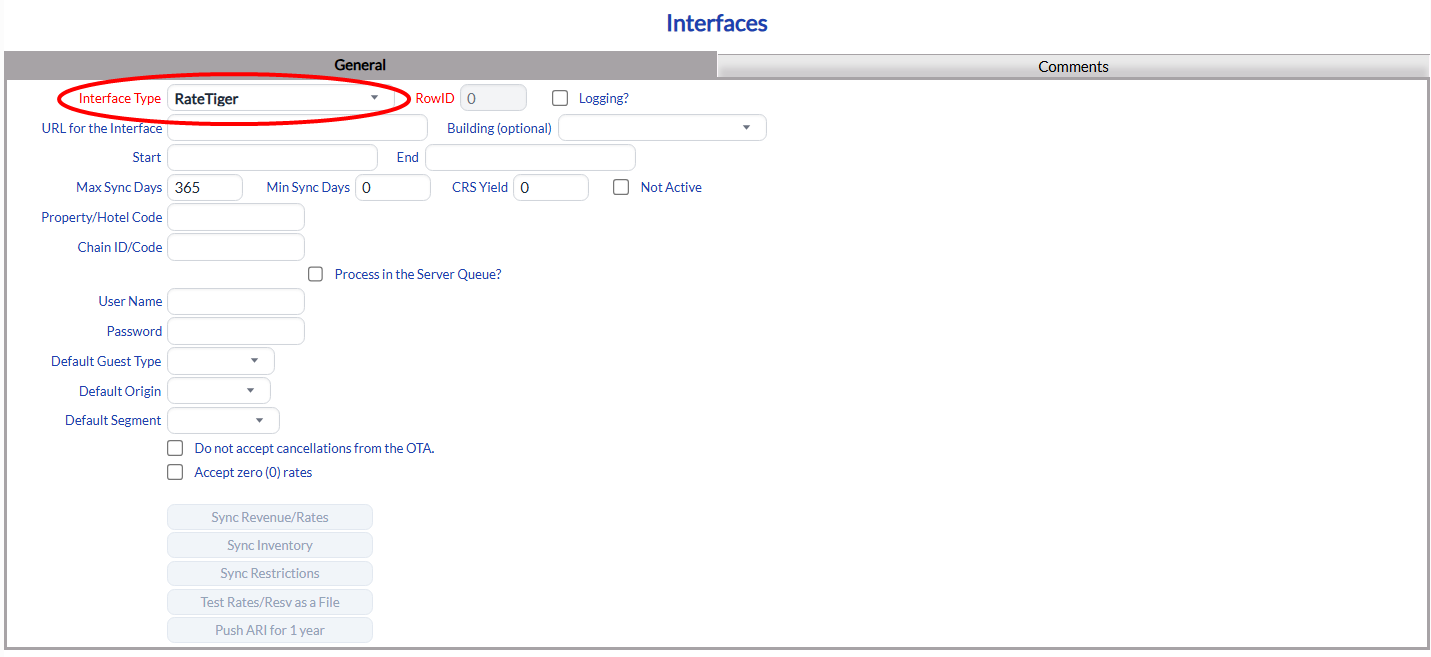
RowID: This is for Internal use by Skyware Systems, and cannot be changed. The ID will be assigned automatically when the Interface Type is first saved in the interface.
This field is required.
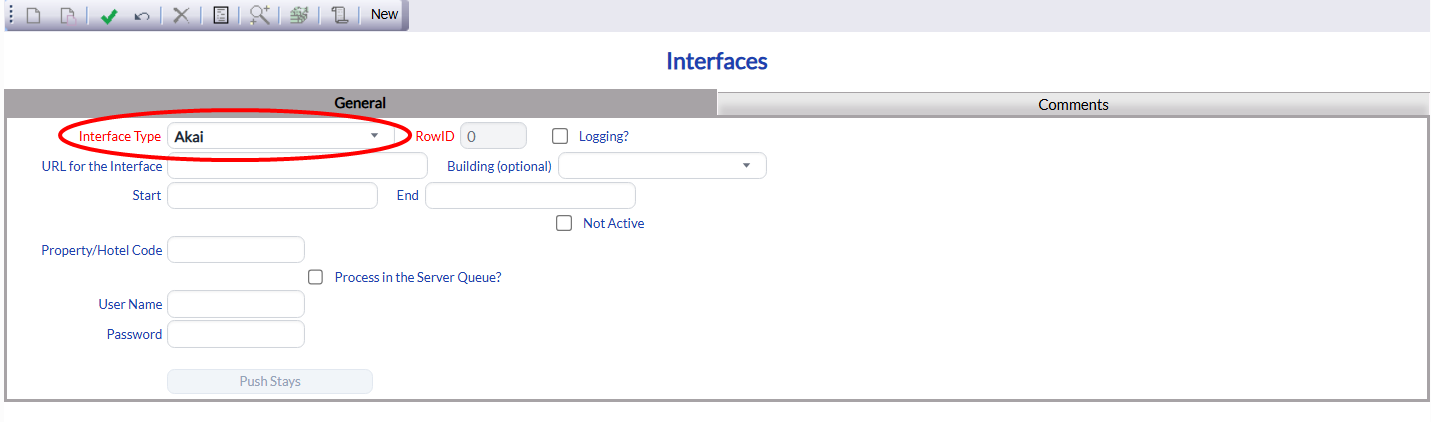
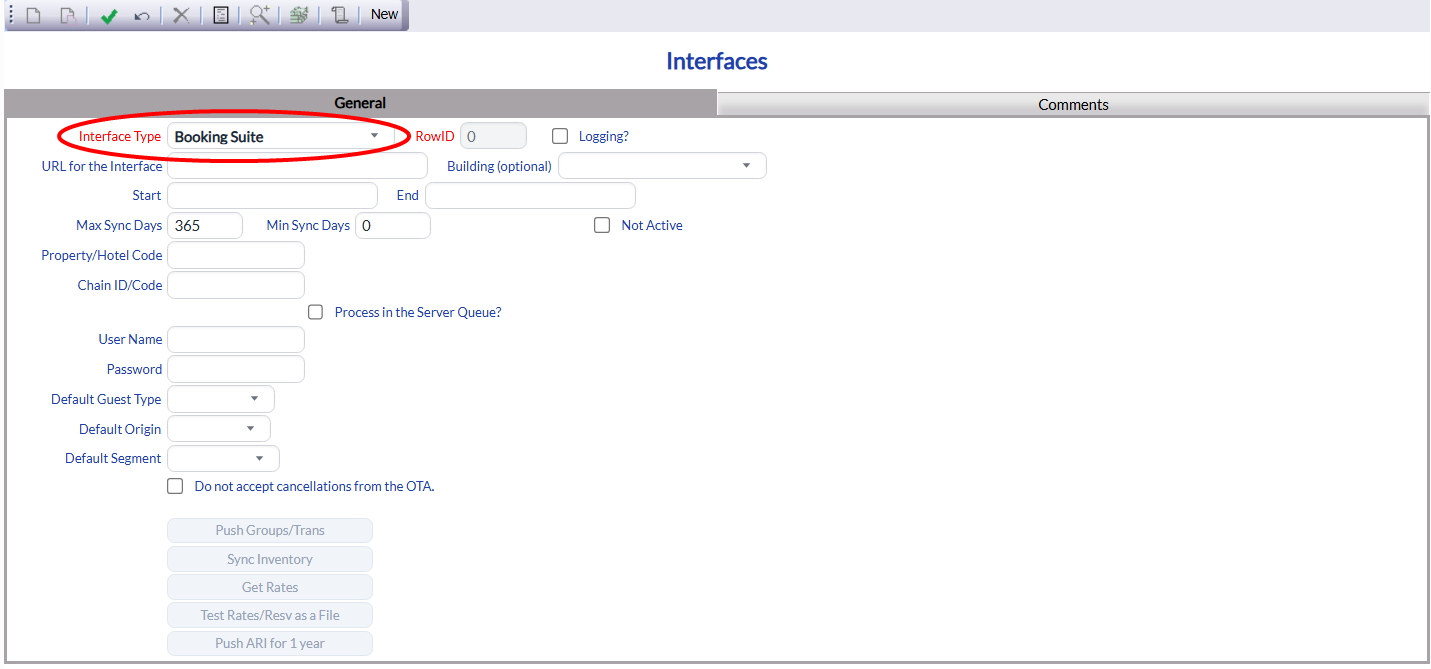
The information fields available will differ depending on the Interface Type selected.
For example:
QuickBooks
 OR
OR
Akai
 OR
OR
Booking Suite
 OR
OR
Heartland POS
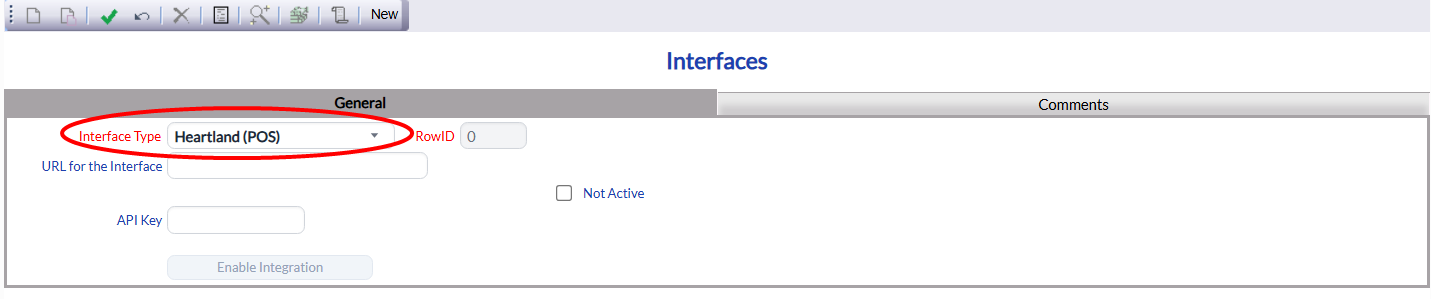
Enter the information for each field as required for the selected Interface Type.
Again, please confer with Skyware (call us at 877-759-9329 (SKY-WEB9) or email us at Support@SkywareSystems.com or Sales@SkywareSystems.com) for assistance with adding or adjusting your Interface channels.
Save the Interface by clicking the Save  button in the local tool bar. This will make any buttons for the specific Interface Type live. They will be grayed out and unavailable until the Interface has been saved. For example:
Factor 4
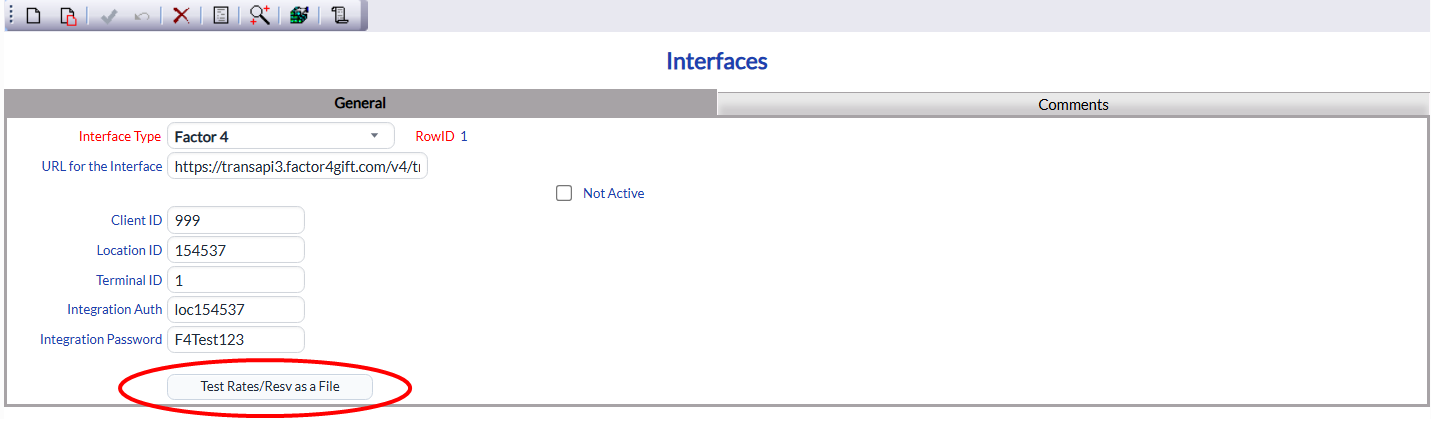 OR
OR
QuickBooks
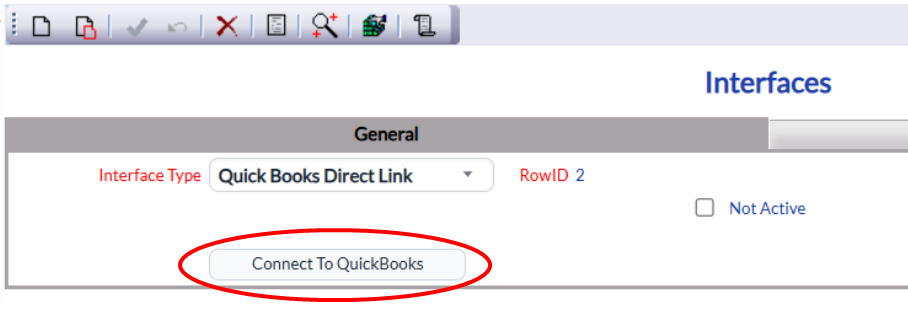
Viewing Interface Activity:
On the Interface Activity screen:
Any activity in Skyware by an external interface can be viewed on the Interface Activity screen. This screen allows you to view a log of interface activity, and may be reached using the Interface Activity command found in the Managers Maintenance section of the Managers Commands Menu.